We are every team's preferred phone system for HubSpot
Our compliant, AI-driven contact center adds a calling, texting, and a power dialer to HubSpot, with full call recording, logging, and workflow integrations, so you can close more deals!
- Fastest speed to lead with workflow SMS integration
- Keep leads in engaged with automated AI voice agent/SMS bot outreach
- Maximum talk time for sales reps with compliant calling
- Accurate call count reporting in HubSpot reports


.webp)


.webp)
.webp)
.webp)
.webp)
.webp)
.webp)
.webp)
.webp)
.webp)
.webp)
.webp)
.webp)
.webp)
.webp)
.webp)
.webp)
.webp)
.webp)
.webp)
.webp)
.webp)
.webp)
.webp)
.webp)
Single-click integration that simplifies your business communication workflows
- Stay focused without jumping tabs. Make calls, take calls, send and receive text messages directly & natively in HubSpot.
- See contact names, owners, and lifecycle stages on all inbound calls. Your deals and tickets will pop up when someone calls in for support.
- Never miss a call again with round-the-clock, AI voice agent coverage. Route inbound callers to voice agents for immediate answers.
- Agents outside HubSpot? Aloware comes with a native mobile app, a click-to-call integration, and a desktop app for all your team members.

- Rapidly scale sales reps to 500+ calls a day by building lists in HubSpot and importing them with one click into Aloware’s power dialer.
- Build dynamic power dialing lists for a team of sales reps using HubSpot’s workflow tool, contact ownership, and lead disposition data.
- Go outbound with AI voice agents to qualify leads (and keep them warm) before your reps connect.
- Increase speed to lead by sending hot leads from forms right to the top of the power dialer’s queue with best-agent logic.

- Aloware logs all calls, call recordings, transcriptions, text messages, and MMS attachments natively into HubSpot.
- Track critical call center insights—like customer sentiment trends and competitive mentions—-with powerful AI voice analytics in HubSpot.
- Instantly get accurate call count and talk time reports using native call object sync between Aloware & HubSpot.
- Use HubSpot’s native call outcomes, call types, and direction in Aloware to reduce duplicate work.

- See call records on Contacts, Companies, Deals, and Tickets, and make calls or send messages on any object in HubSpot.
- Sync contact owners, lead status, and lifecycle stages back into the Aloware phone system for optimized call routing and list building.
- Map any phone system field into HubSpot, such as last call time, number of calls made, and phone engagement data.
- Map AI-generated conversation summaries to HubSpot in real time to refine rep coaching and follow ups.

- Initiate a call or text automatically between your team and a prospect based on any HubSpot actions or workflow triggers.
- Send one-time promotional or drip SMS campaigns at scale from HubSpot on fully compliant A2P 10DLC lines or short codes.
- Build AI voice agent/SMS bot workflows in HubSpot to handle inbound leads or make outbound calls to filter lists.
- Boost speed to lead by texting your leads when they submit forms, click on links, or book meetings.

- Define inbound call routing logic based on contact ownership or last engagement data in HubSpot.
- Inbound calls match the caller’s number with your HubSpot records, and surface the caller’s name, tickets, and deals to your agents in one click.
- Match leads to the right reps automatically with dynamic, AI logic that takes conversation context into account.
- Agent not available? Our AI routing system can route calls to the next best available agent.

Why HubSpot + Aloware are better together

Two-way data sync
Map call, contact and deal data to both platforms automatically.

Native HubSpot dialer
Make calls, drop voicemails, double dial, log dispositions, and more right from HubSpot.

AI conversation insights
Review instant, AI-generated call summaries in HubSpot with priority highlights.

AI-powered outreach
Launch AI voice or SMS agent workflows from HubSpot to engage every lead.
One-click HubSpot integration: The key to high-impact business communications
AI voice analytics
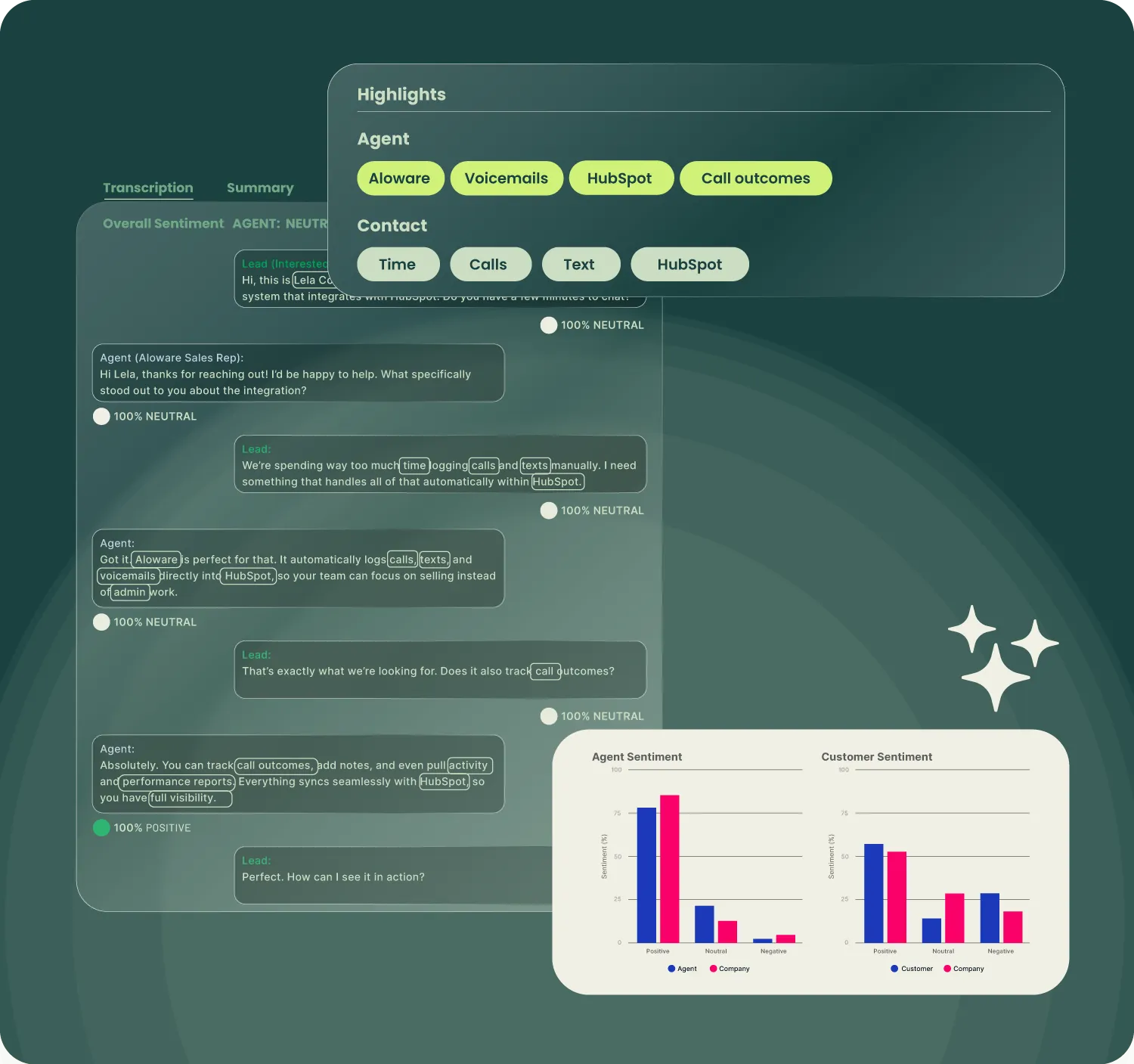
Our AI transcribes calls, detects agent and contact sentiment, listens for and counts special keywords, and provides a summary of the call for your records and review.
Agent coaching
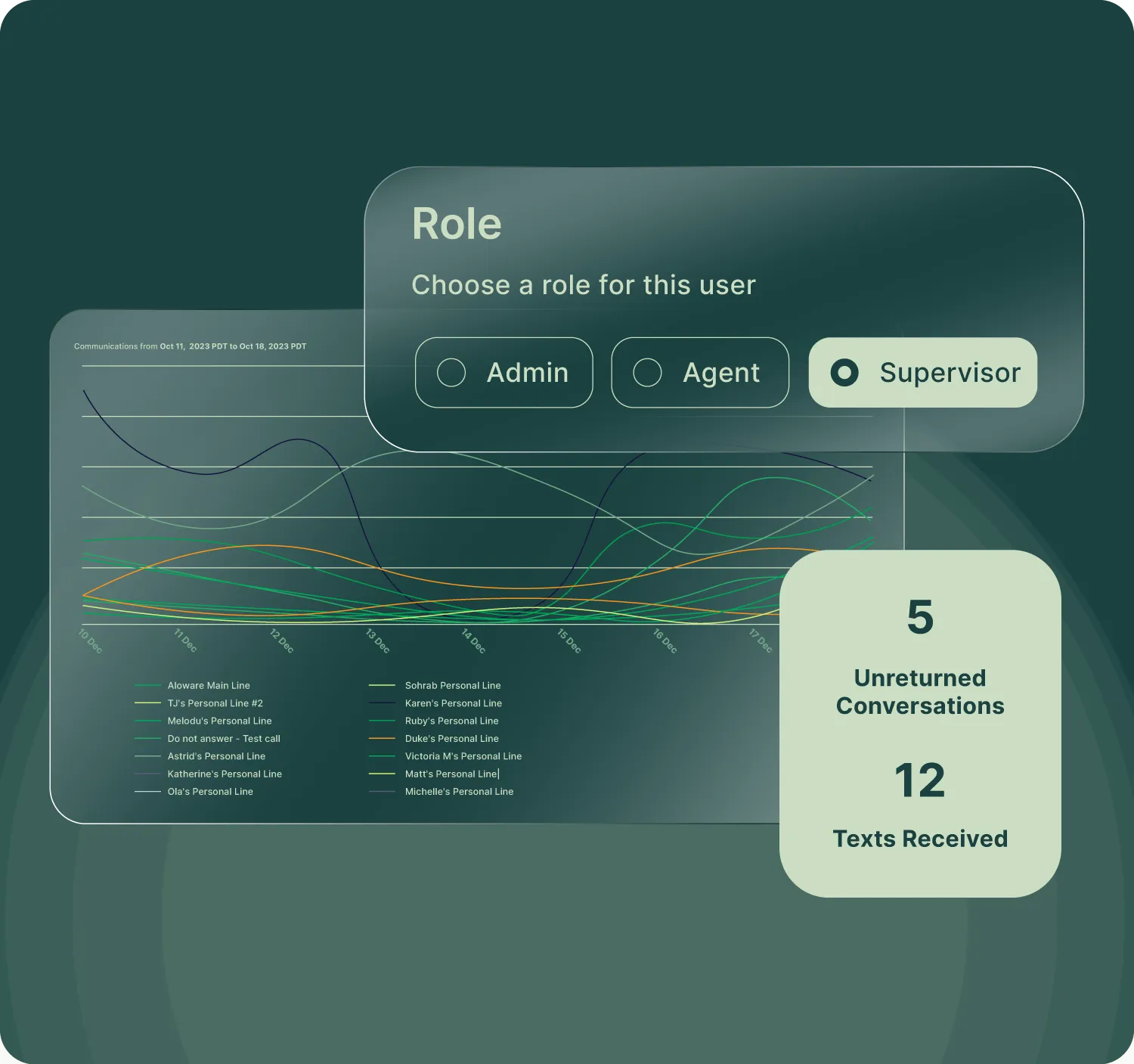
Your call center managers and supervisors can jump into (barge) any live calls to take over or to coach agents on what to say and how to solve a problem (whisper).
Intelligent call routing
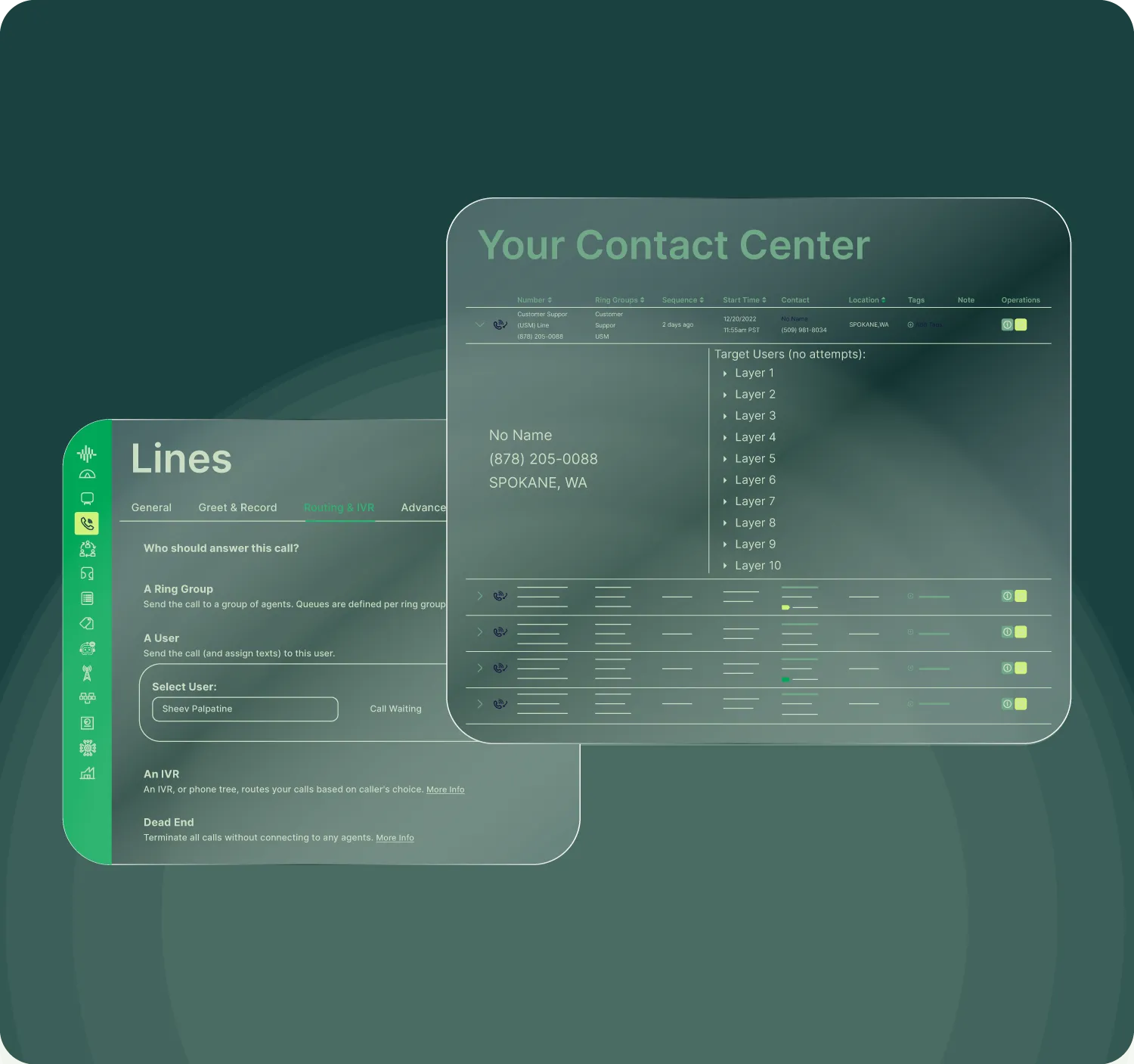
Build complex IVRs and call distribution logic driven by your CRM's data, engagement data, and previous agents this contact has spoken to.
AI agents with AloAI / AI Conversations
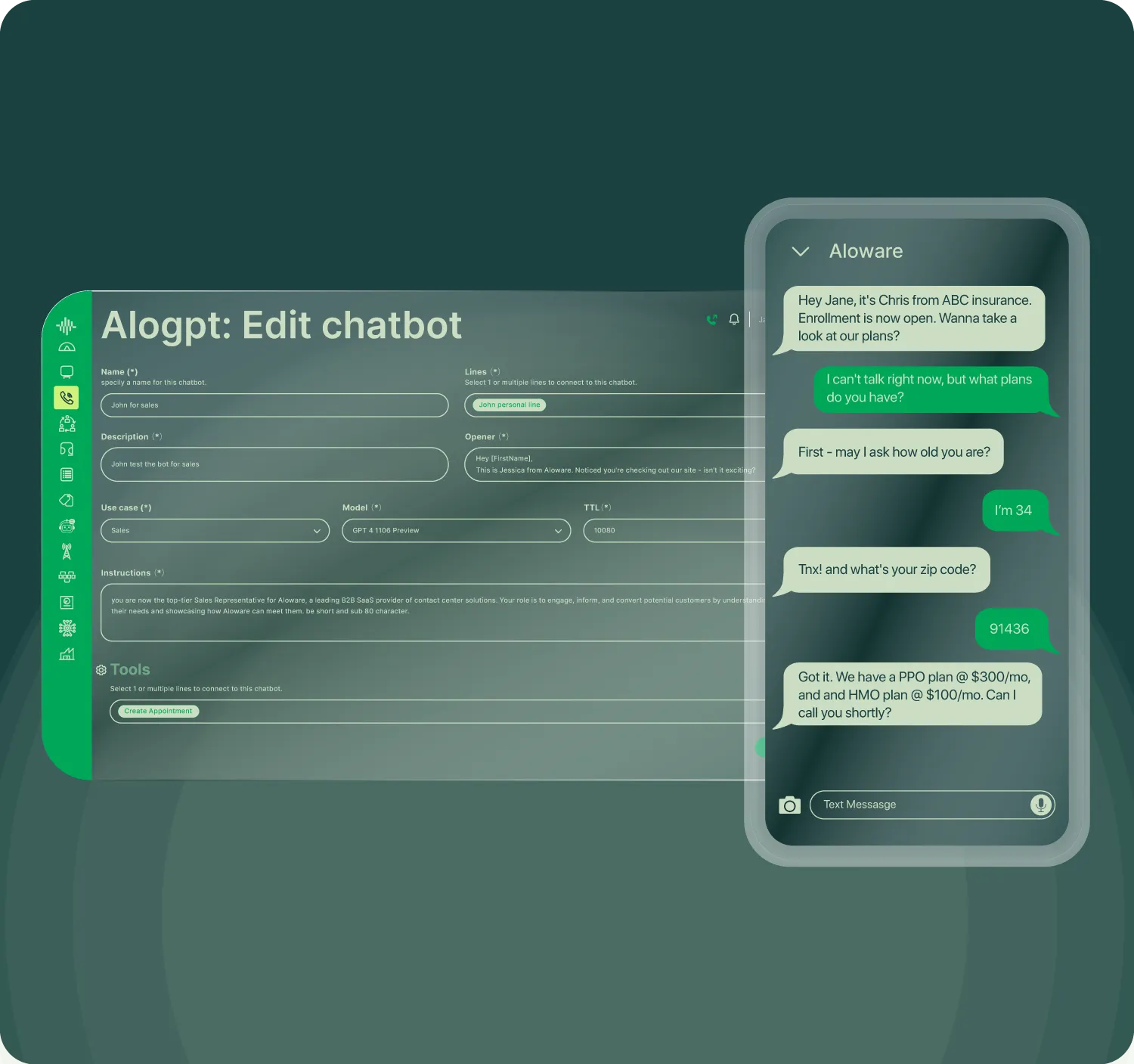
Deploy text-based inbound and outbound agents that can follow up with leads, answer support questions, and follow your existing training and manuals.
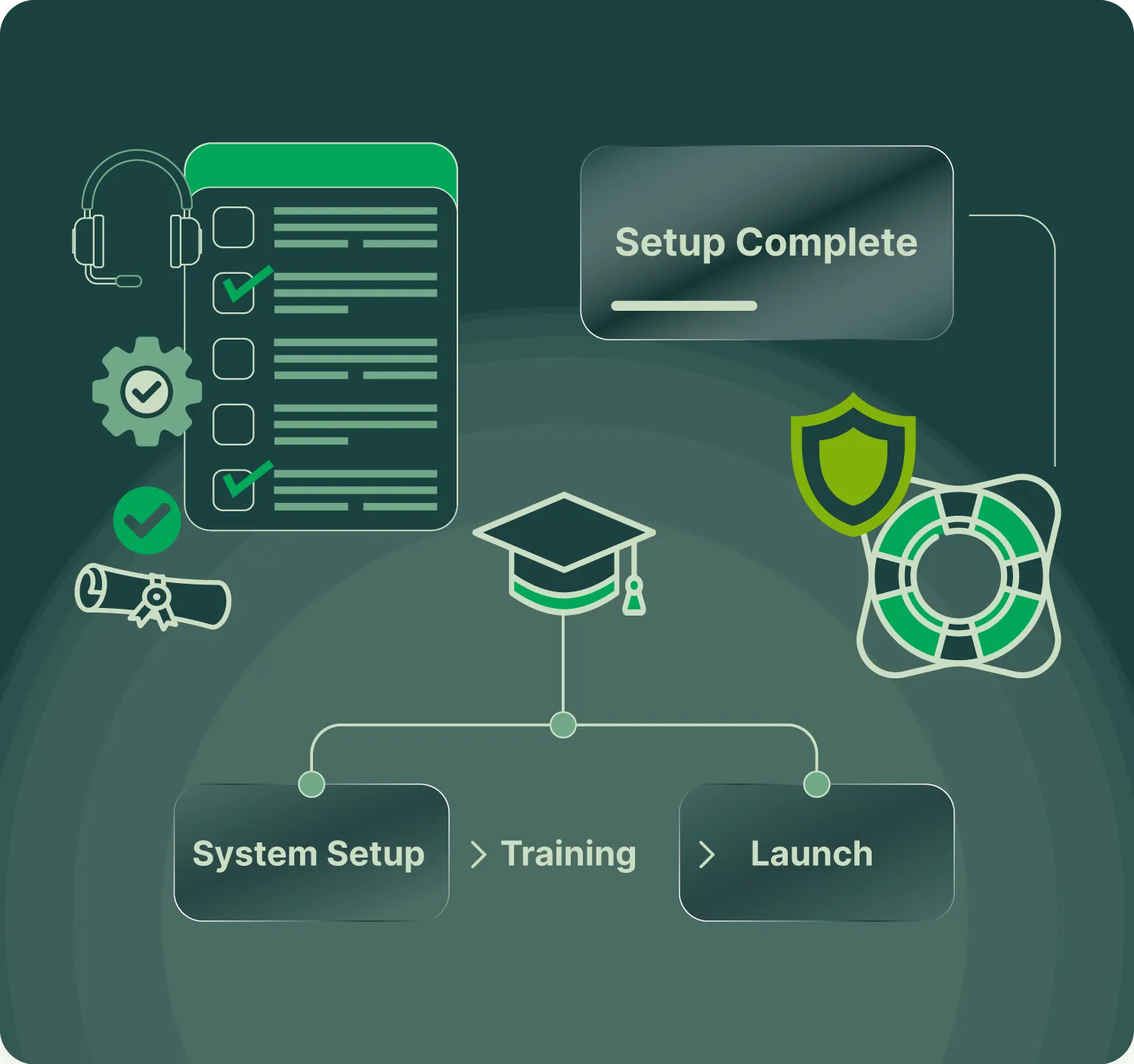
White glove onboarding & dedicated support
We're proud to offer an onboarding session to all new or migrating customers, ensuring we set you up for success with your new phone system.

with customers and prospects
Learn how the integration between Aloware and HubSpot sales dialer can help you build a customer-focused, successful organization.